LM Studio
LM Studio provides a polished desktop application for running language models locally. Beautiful interface, easy model management, and a built-in chat experience.
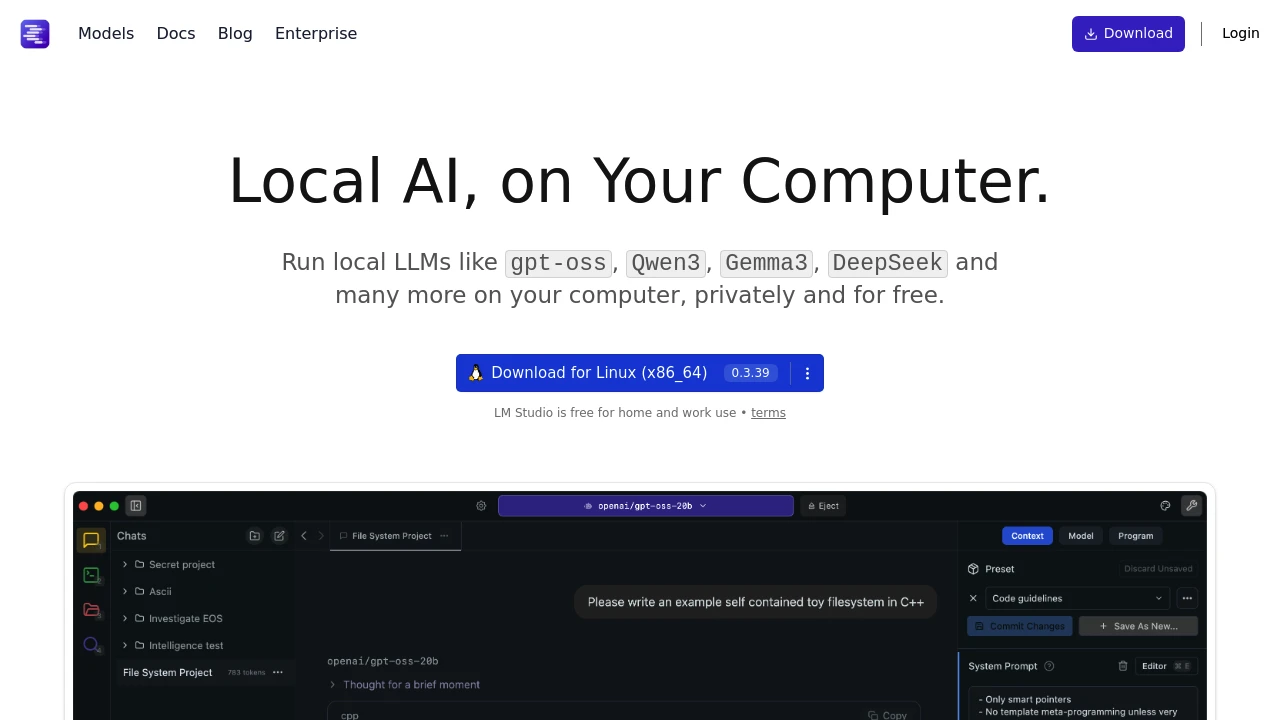
LM Studio brings local LLM experimentation to a polished desktop application. Instead of command-line tools, you get a visual interface for discovering, downloading, and chatting with open-source models.
Key Features:
- Model Discovery - Browse and search Hugging Face models visually
- One-click Download - Get models running without manual configuration
- Chat Interface - Beautiful UI for interacting with models
- Local Server - Run an OpenAI-compatible API for integrations
User experience highlights:
- Hardware Detection - Automatically configures for your GPU/CPU
- Model Comparison - Run multiple models and compare responses
- Parameter Tuning - Adjust temperature, context length, and more
- Conversation History - Save and organize your chats
Why choose LM Studio:
- Visual Interface - No command line required
- Cross-platform - Windows, macOS, and Linux support
- Beginner Friendly - Smooth onboarding for local AI
- Active Development - Regular updates with new features
LM Studio is perfect for developers and enthusiasts who want to explore local AI without friction. The visual model browser makes discovery easy, and the chat interface provides a familiar way to test models. It's particularly valuable for those evaluating which models work best for specific use cases.
Categories:
Ad

 Emergent — An agentic vibe-coding platform that builds production-ready apps